
Export with Activ
Save time at the border for exports from Switzerland. Two methods are available for automated export with Activ: « Remote-Loading » et « DTS Scan ».
Instructions « Remote-Loading » with Activ
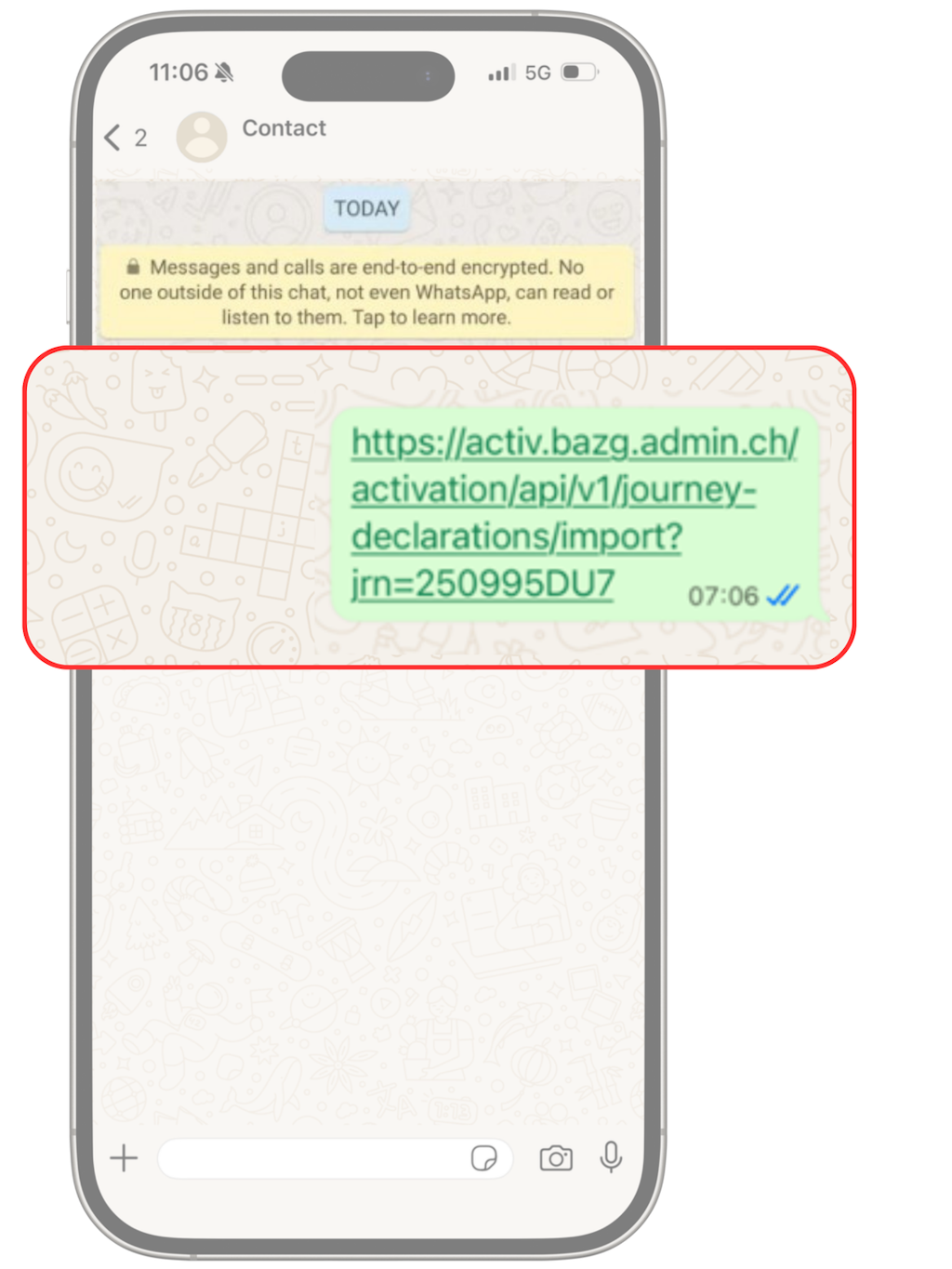
The driver opens the deep link with the journey reference number (JRN).
When the deep link is clicked, the Activ app opens automatically.
When the deep link is clicked, the Activ app opens automatically.
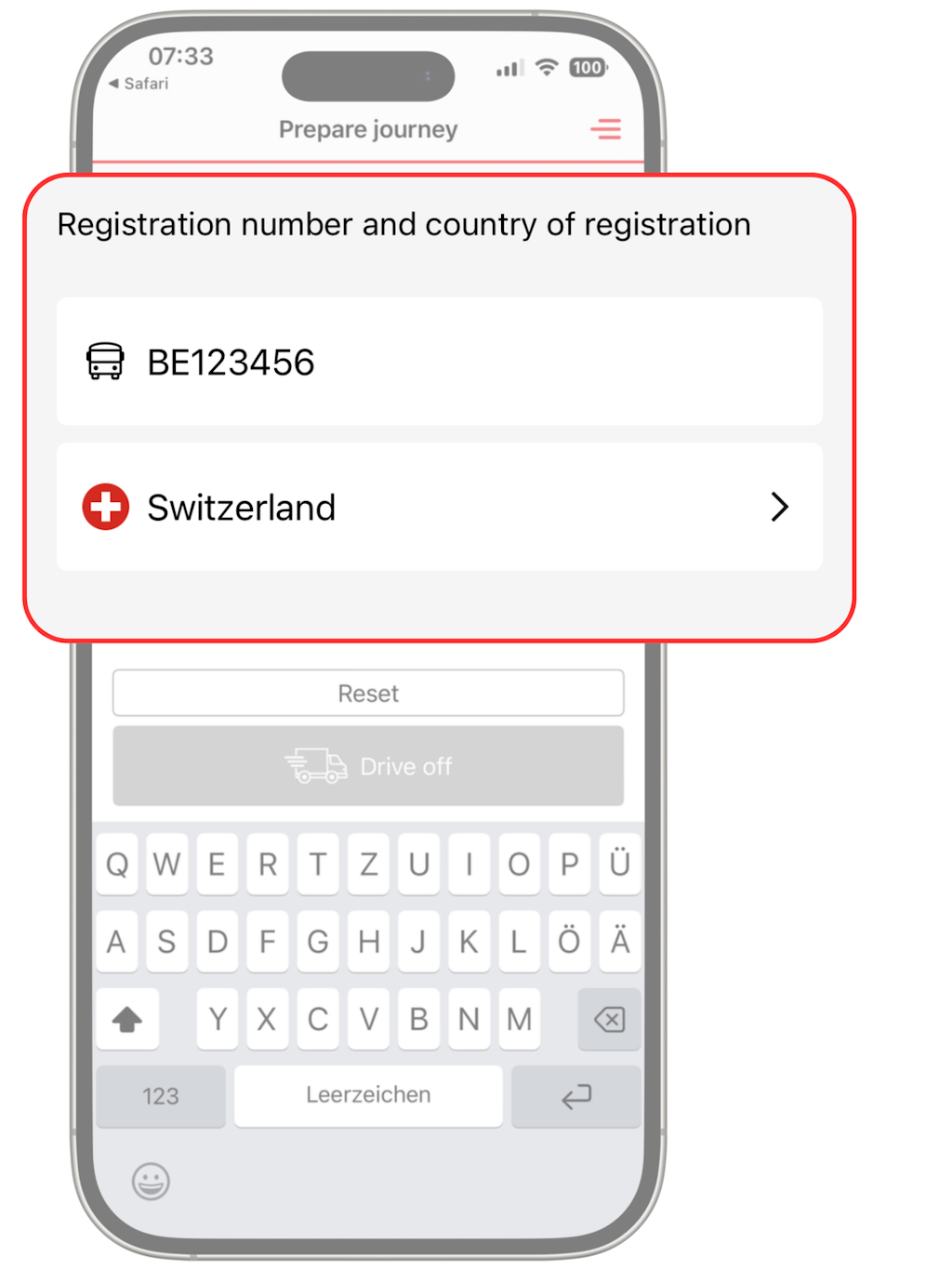
The Activ app prompts the driver to enter the vehicle's registration number and country of registration.
NB: The vehicle data (registration number and country of registration) in the Activ app and the data in the TD must match.
NB: The vehicle data (registration number and country of registration) in the Activ app and the data in the TD must match.
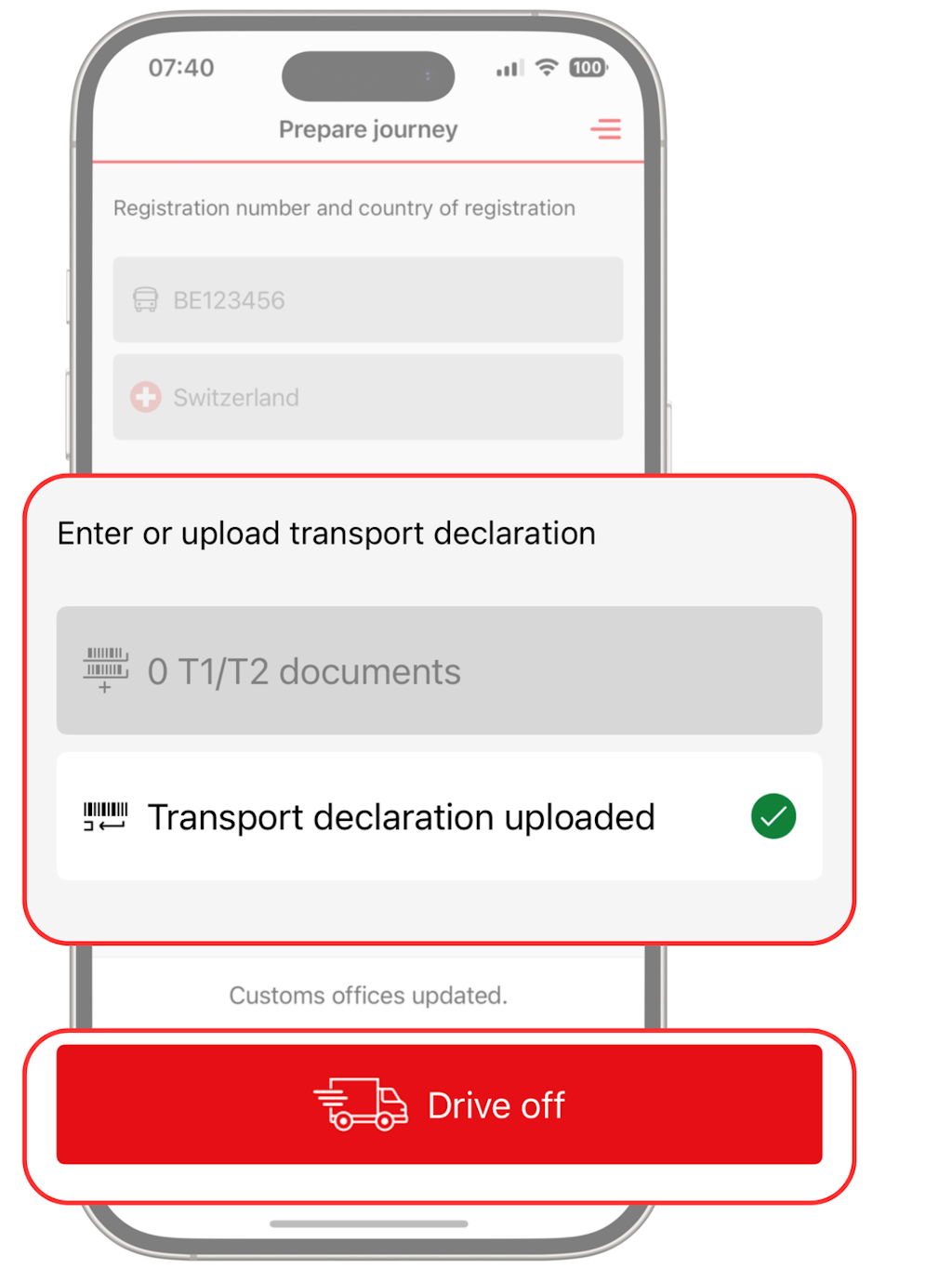
If the details are correct, “Digital transport slip imported” and a green tick will appear on the display. The driver taps “Drive off”, and can then start the journey.
NB: Prior to the journey, the associated DTS must be downloaded from the Chartera Output application, printed out and handed as a paper copy to the driver.
NB: Prior to the journey, the associated DTS must be downloaded from the Chartera Output application, printed out and handed as a paper copy to the driver.
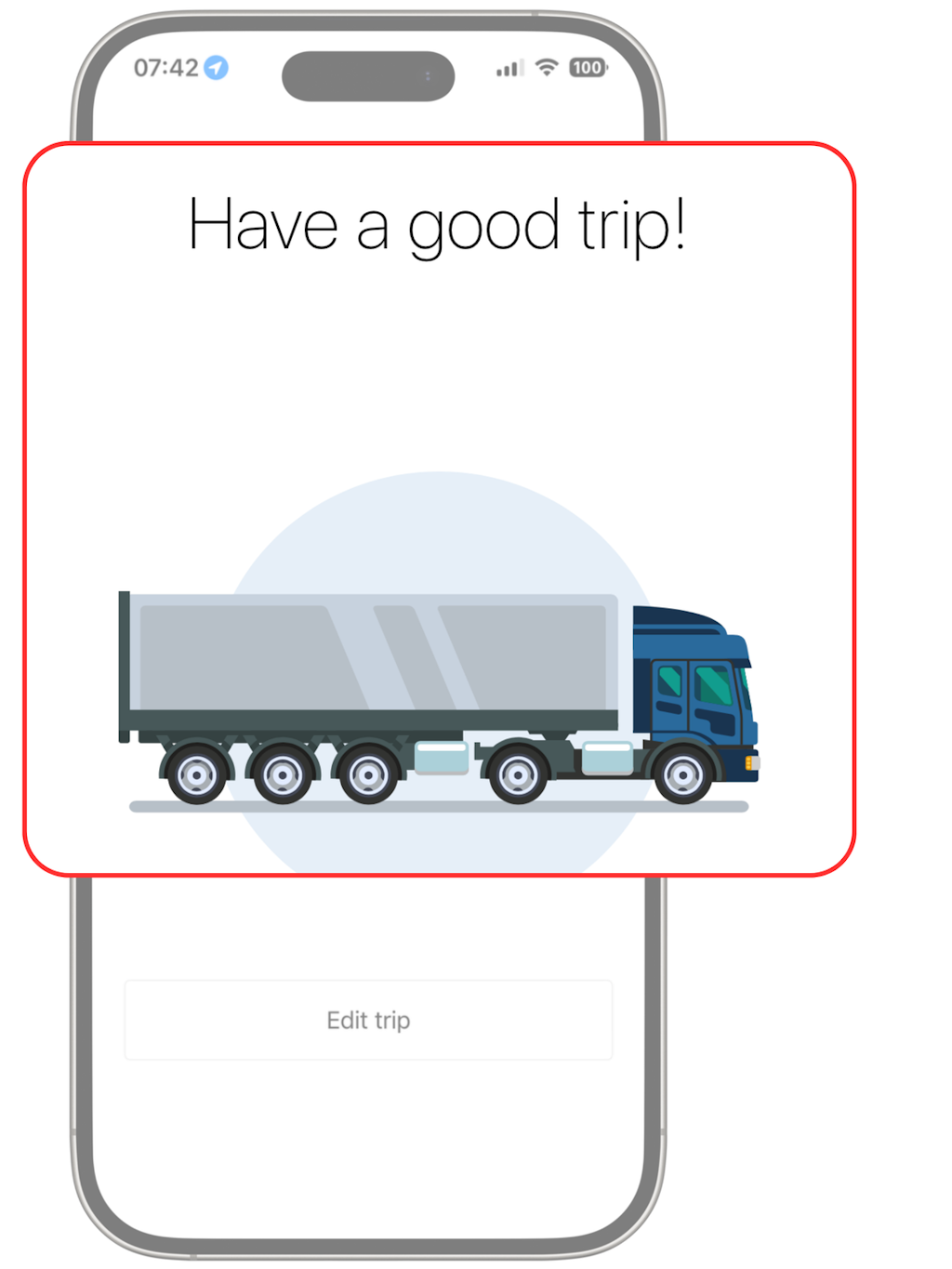
Leave the app open in the background and drive off.
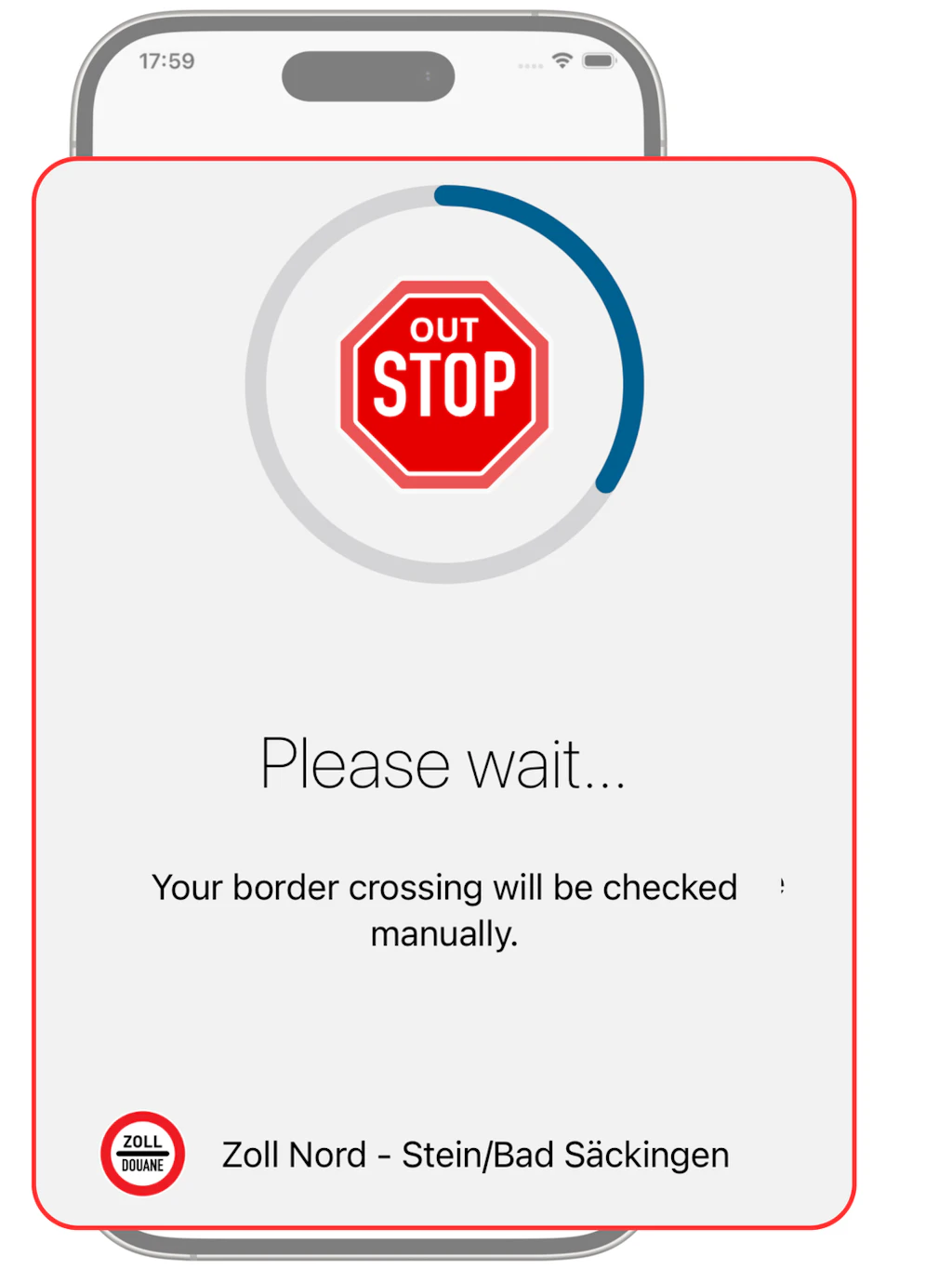
Before crossing the border: a control decision may be taken by the FOCBS. In this case, the countdown runs for a maximum of 3 minutes.
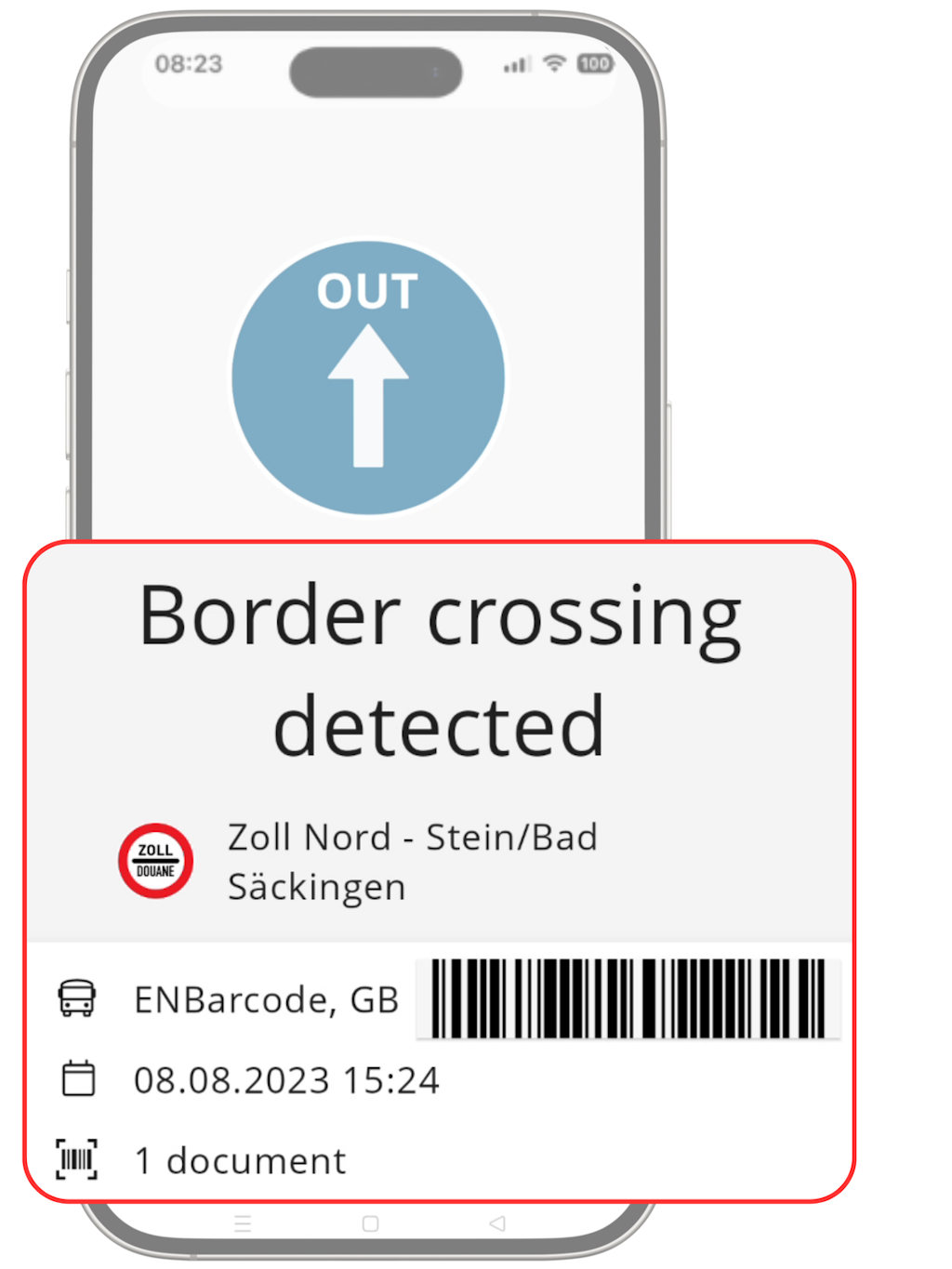
When crossing the border: show the check result (phone screen) to the customs officers.
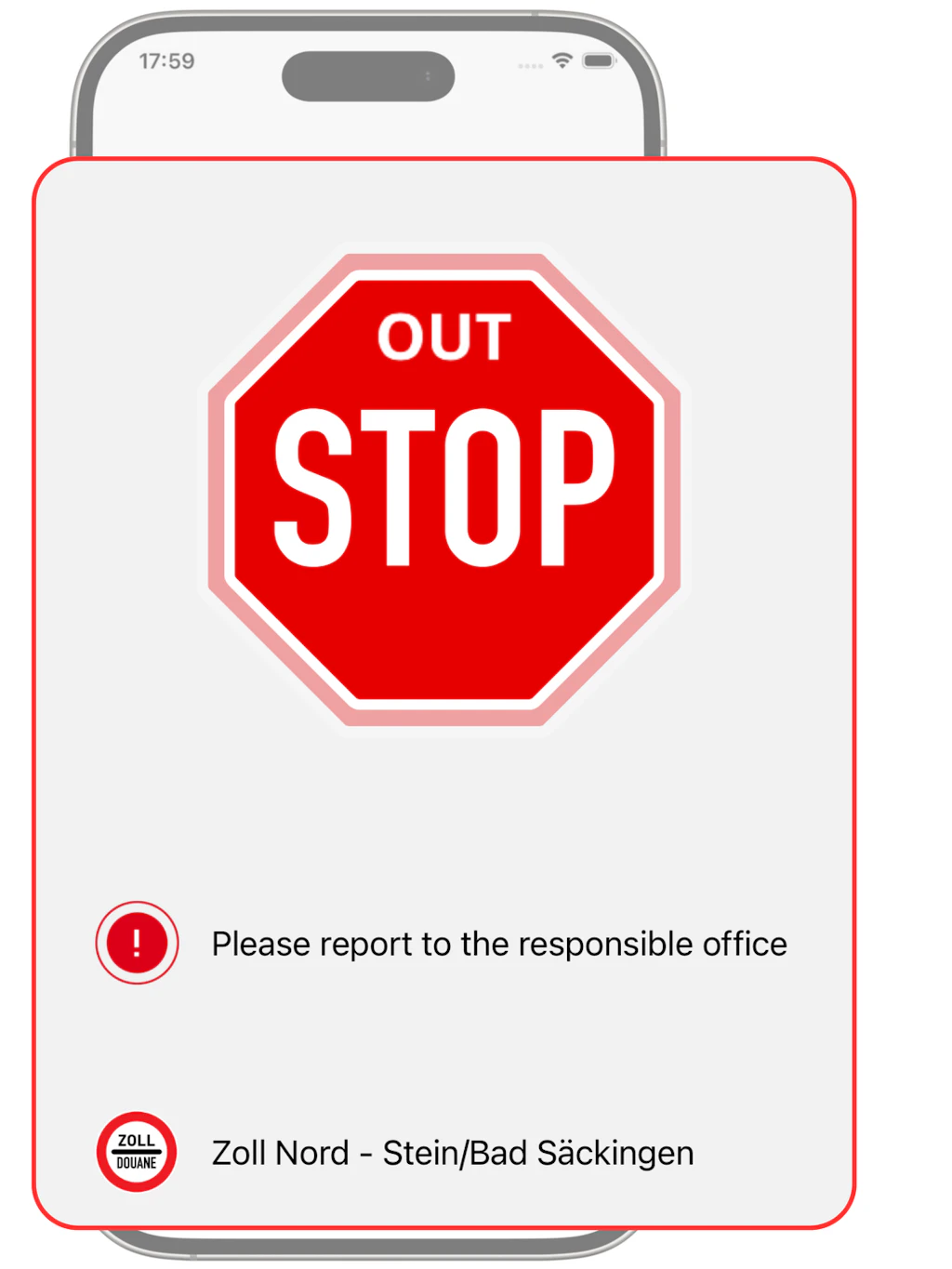
When crossing the border: if “Stop” is displayed, stopping at the customs office is mandatory.
Instructions « DTS Scan » with Activ
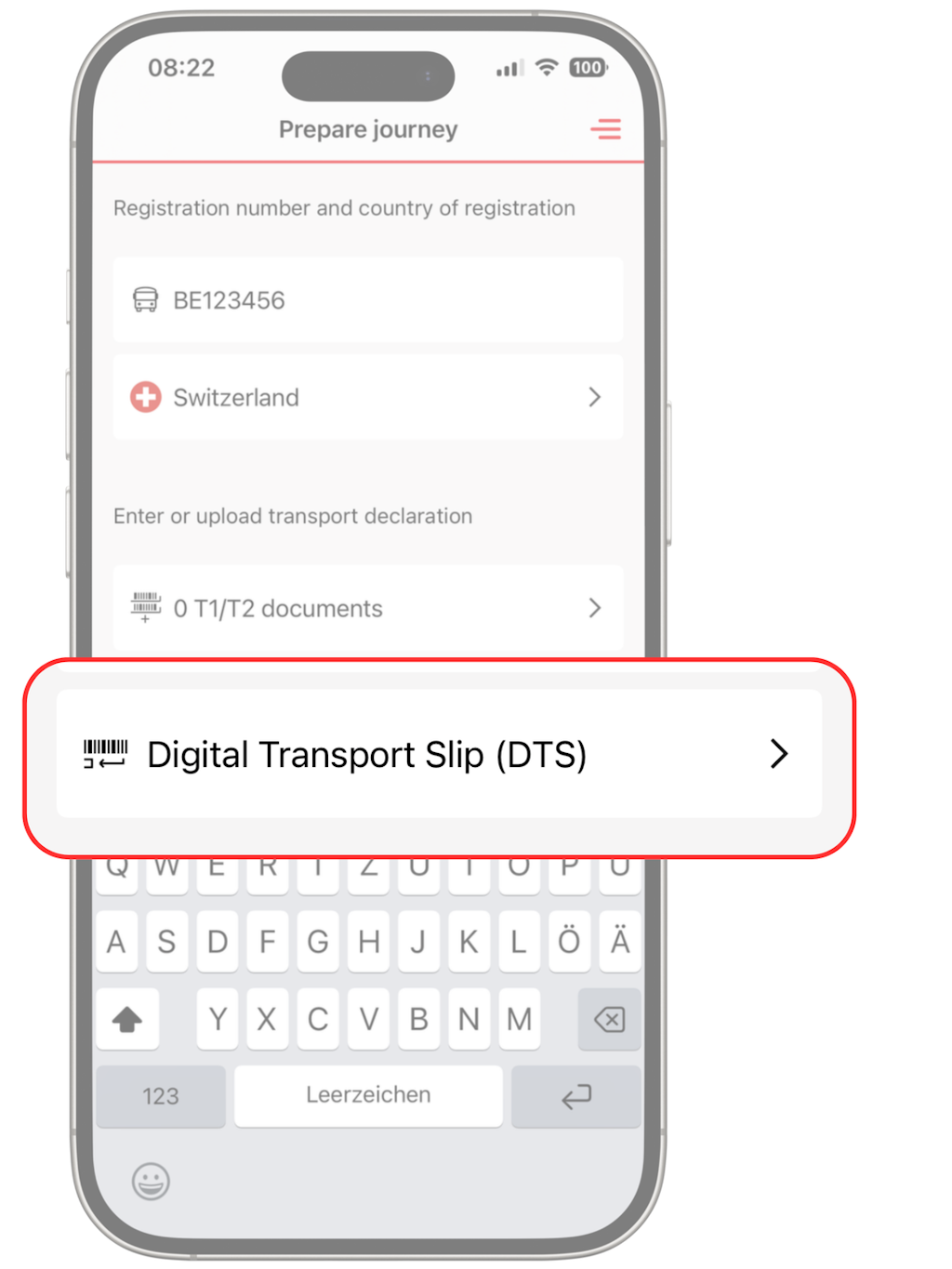
The driver enters the vehicle's registration number and country of registration.
Tapping on the “Digital transport slip (DTS)” button opens the smartphone's camera.
NB: The vehicle data (registration number and country of registration) in the Activ app and the data in the TD must match.
Tapping on the “Digital transport slip (DTS)” button opens the smartphone's camera.
NB: The vehicle data (registration number and country of registration) in the Activ app and the data in the TD must match.
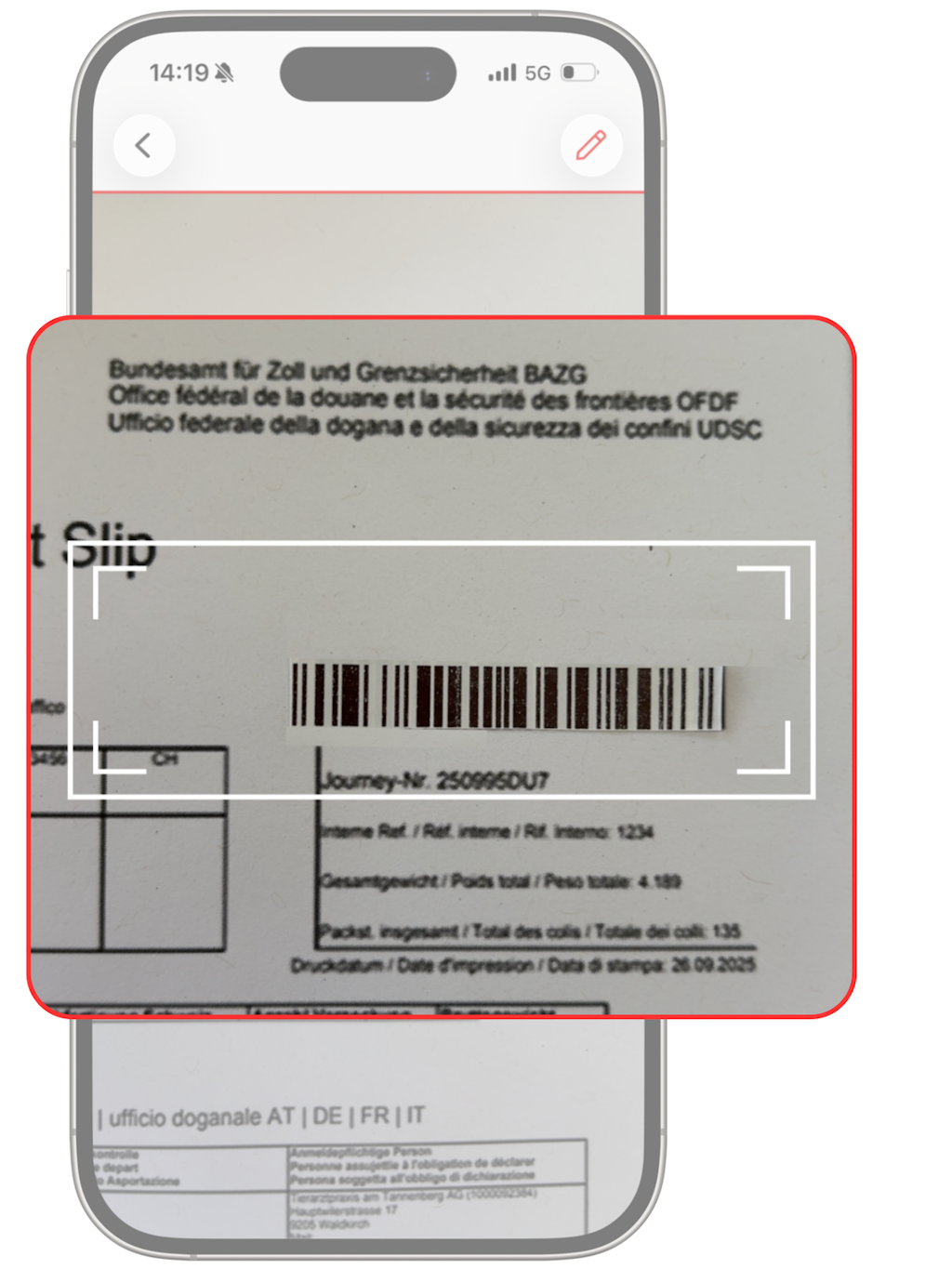
The DTS barcode can then be scanned in using the phone camera.
Alternatively, the DTS can be entered manually, e.g. if the phone camera is damaged or the camera function has not been activated for the app.
Alternatively, the DTS can be entered manually, e.g. if the phone camera is damaged or the camera function has not been activated for the app.
If the details are correct, “Digital transport slip imported” and a green tick will appear. The driver taps “Drive off”, and can then start the journey.
NB: A paper copy of the DTS must also be carried.
NB: A paper copy of the DTS must also be carried.
Leave the app open in the background and drive off.
Before crossing the border: a control decision may be taken by the FOCBS. In this case, the countdown runs for a maximum of 3 minutes.
When crossing the border: show the check result (phone screen) to the customs officers.
When crossing the border: if “Stop” is displayed, stopping at the customs office is mandatory.
Road transport: What rules apply where?
The automatic activation of Passar exports with the Activ application is currently available at the following border crossings (pilot phase, then operation). Please contact the responsible local level before your first trip.
The extension to other border crossings is currently being prepared. Until then, the current procedures remain applicable.
Terms of Use
Important
- Mobile reception/activated roaming is required.
- Leave the app open in the background for the entire journey (do not close the app).
- Use the app only once per journey (the journey will be blocked in case of multiple entries).